Blank tier list template
An empty S to F tier chart to download, print or fill in online. Pick how many tiers you want, rename them, and save it as a PNG; or grab one of the ready-made files below.
Tier list
bracketranker.com/tier-list-makerBracketRanker
Click a label to change it. Prints on one landscape page; choose “Save as PDF” in the print dialog for a PDF.
Ready-made blank tier lists
Right-click (or long-press) to save, or use the download links. Each is 1600 pixels wide.
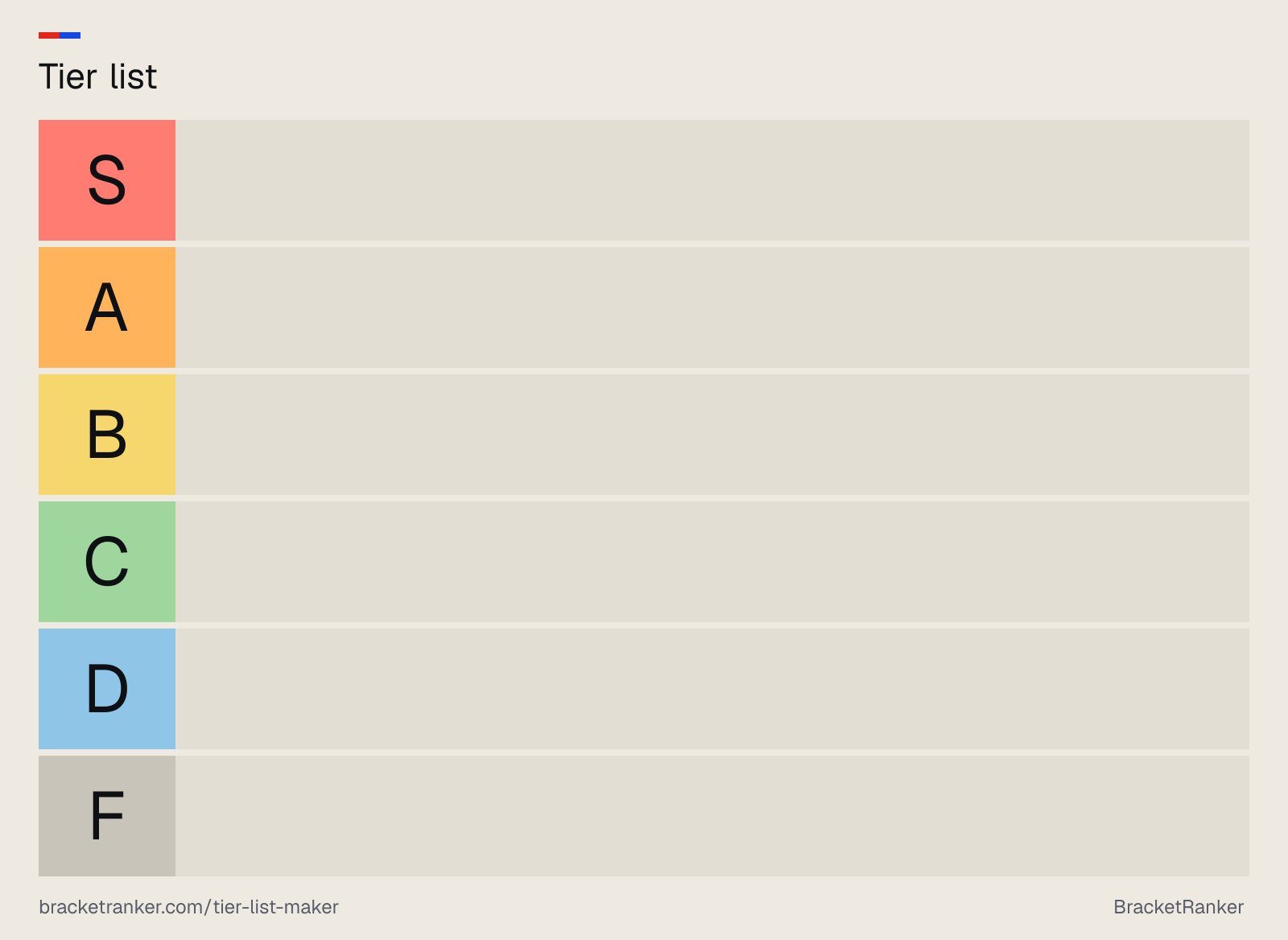
6 tiers · lightDownload PNG
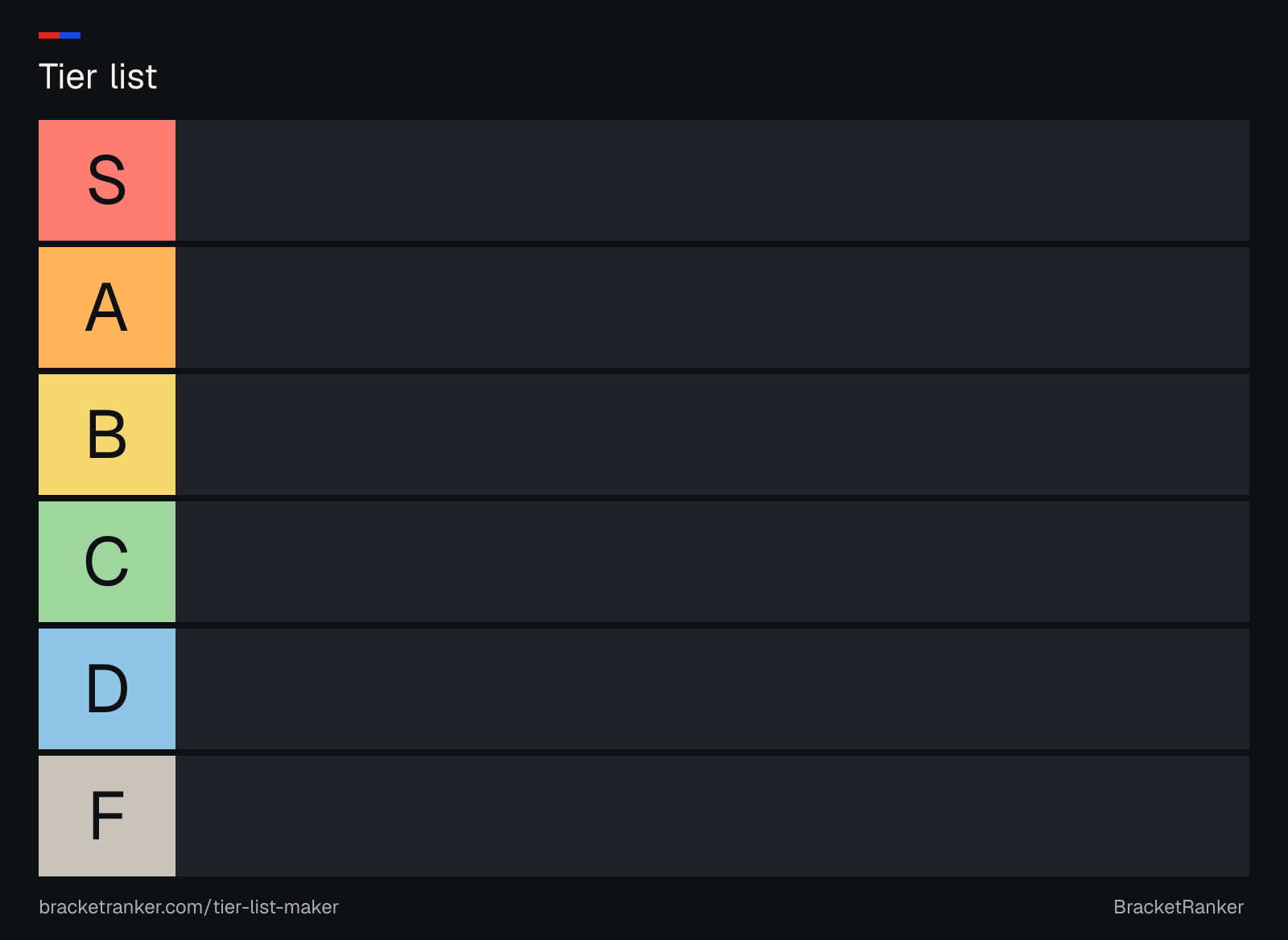
6 tiers · darkDownload PNG
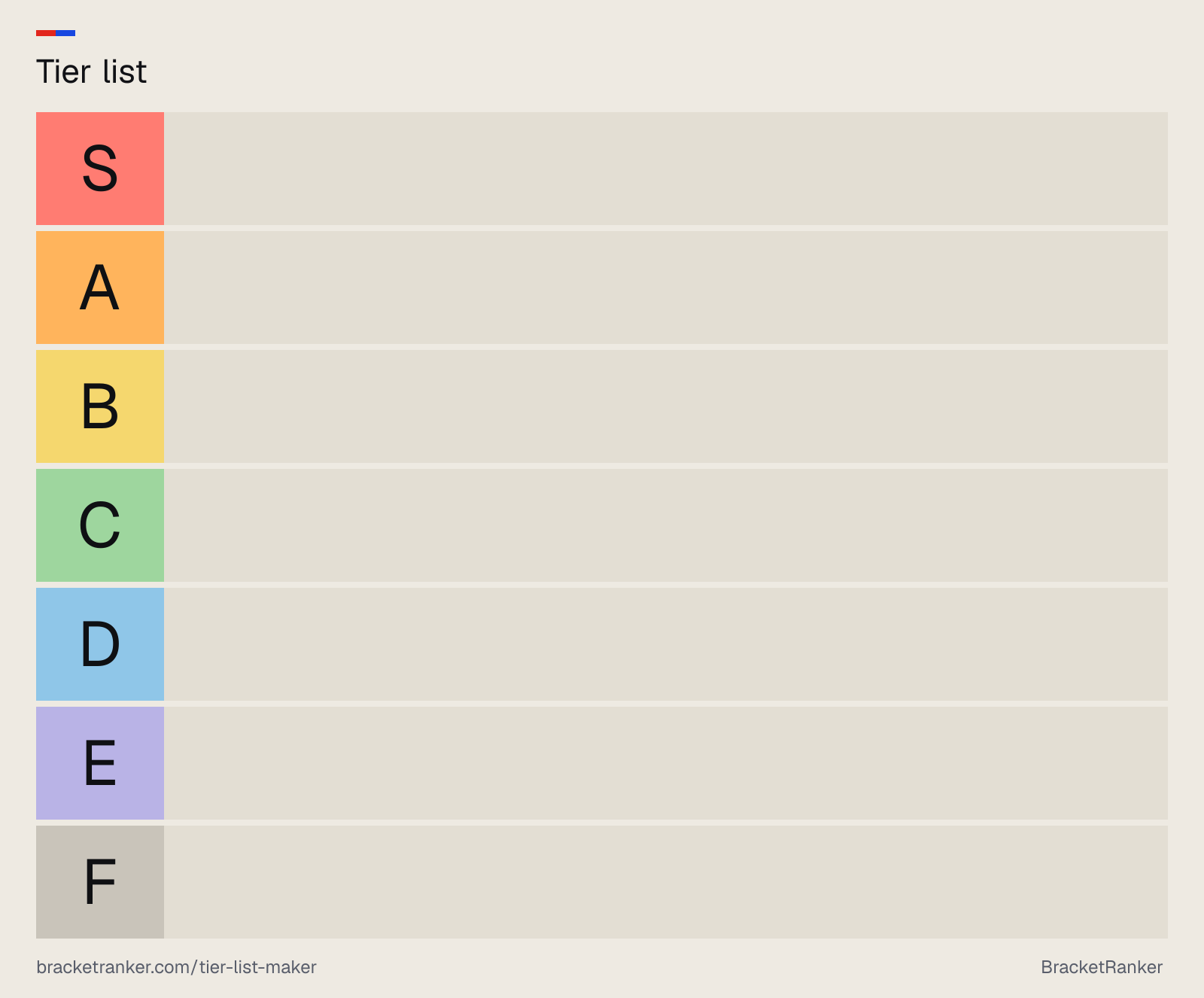
7 tiers · lightDownload PNG
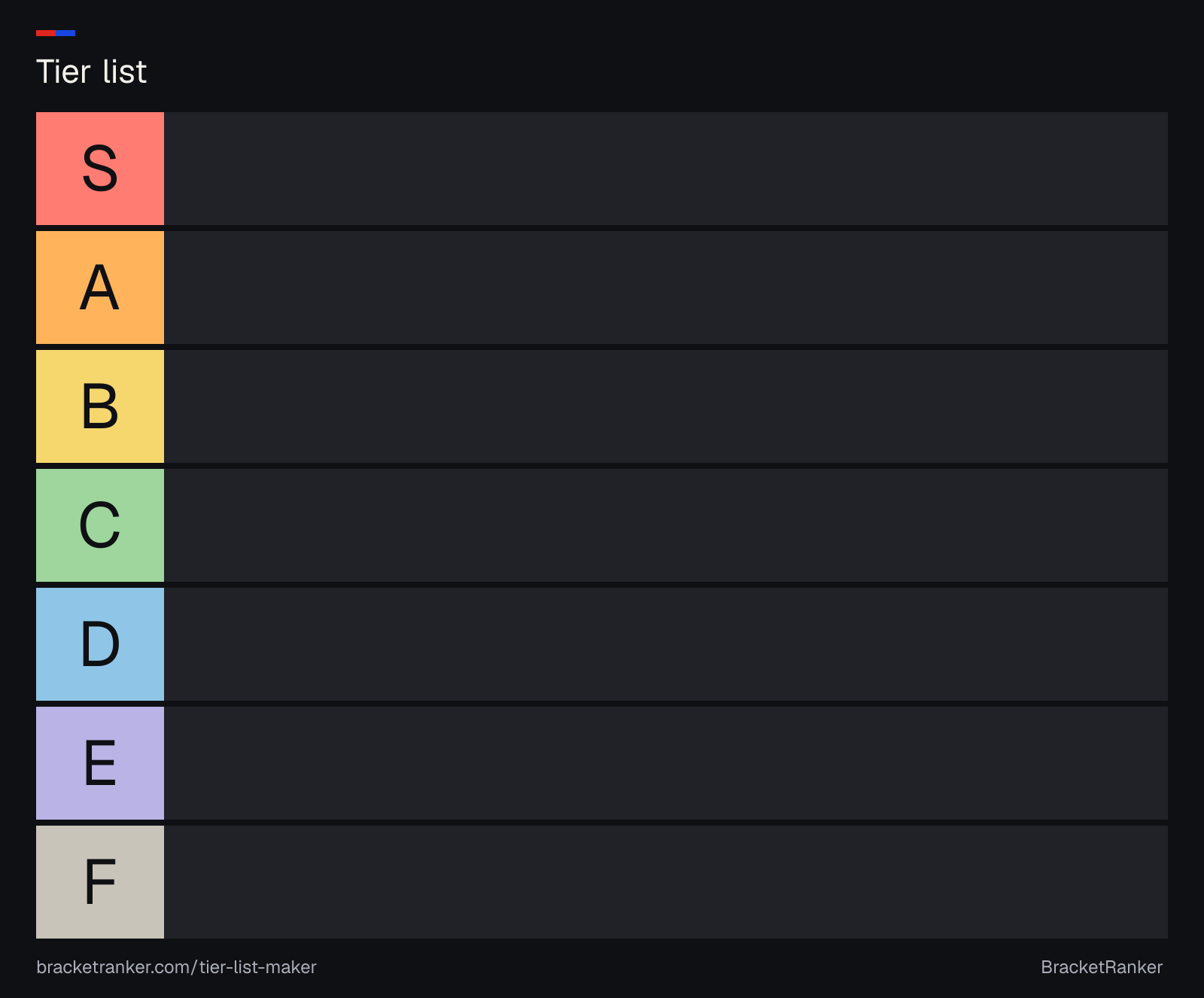
7 tiers · darkDownload PNG
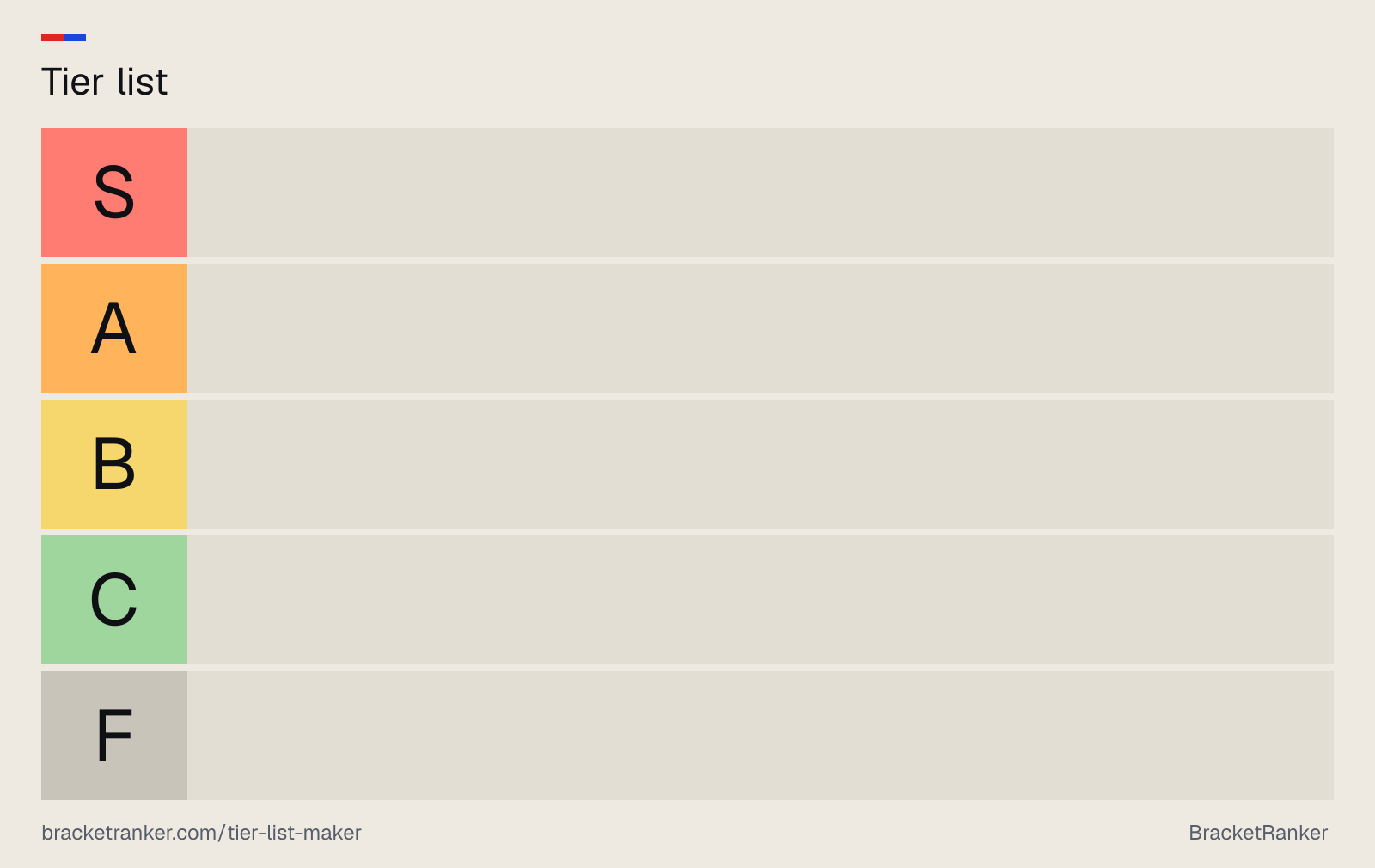
5 tiers · lightDownload PNG
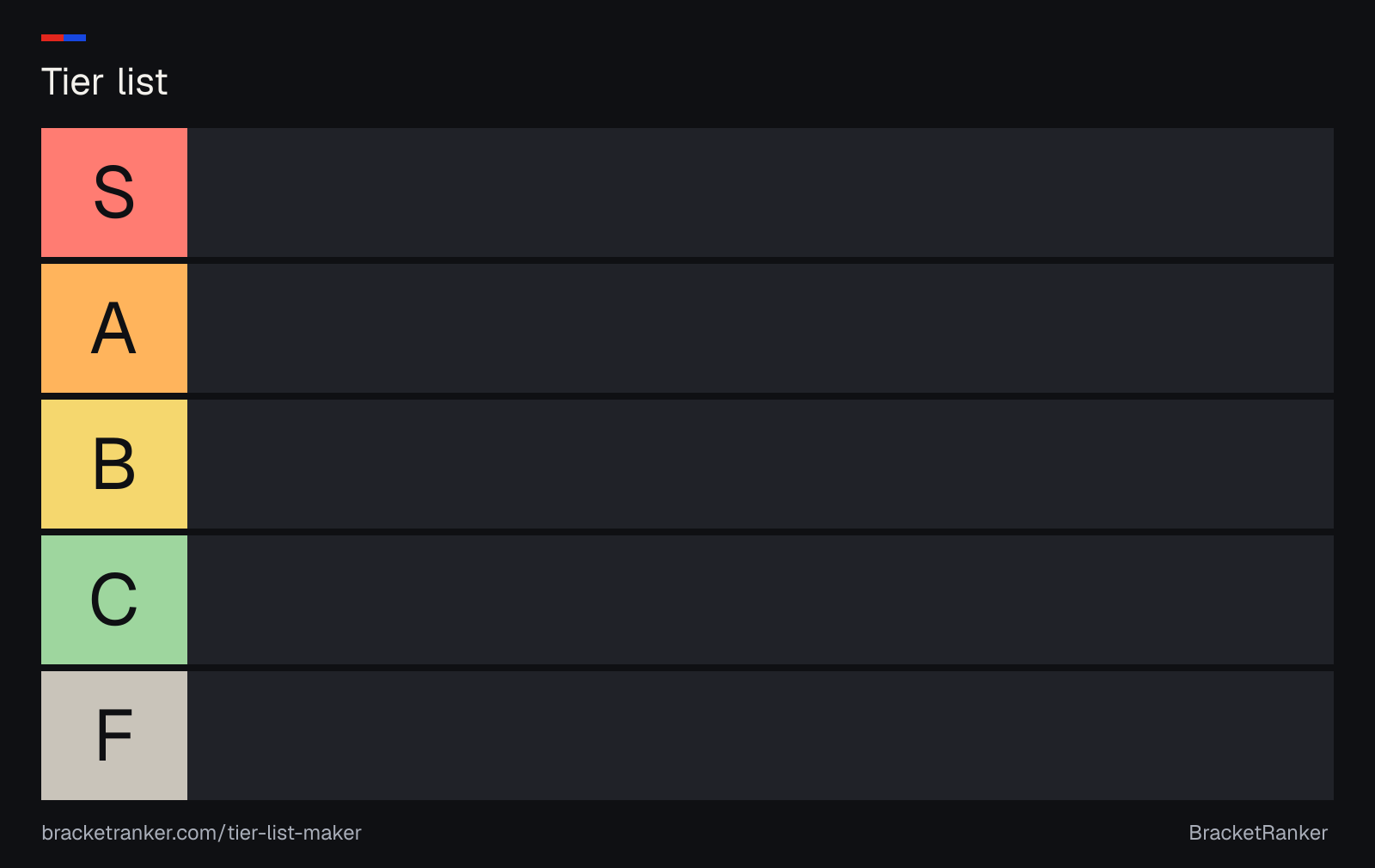
5 tiers · darkDownload PNG
Blank tier list FAQ
How do I get a blank tier list template?
Download one of the PNG files on this page, or set the number of tiers and the labels above and press Download PNG. Print buttons print the chart on one landscape page; choose Save as PDF in the print dialog for a PDF.
What tiers go on a blank tier list?
The usual set is six tiers: S, A, B, C, D and F, with S as the best. Some charts add E between D and F (seven tiers), and smaller lists often use five. You can also use words, like Love it to Hate it.
Can I fill in the tier list online instead?
Yes. Fill it in online opens the same tiers in the tier list maker, where you add items, paste a list or drop in pictures, then drag them into tiers and download the result.
Is a tier chart the same as a tier list?
Yes. A tier chart, ranking chart or tier ranking chart is the empty grid; it becomes a tier list once you put things in the rows.
Can I use these templates in Google Slides or Docs?
Yes. Download a PNG and insert it as an image (or as a slide background), then place pictures or text boxes over the rows.
Or skip the template
The tier list maker gives you the same chart with 138 ready-made lists to drag in, or your own items and pictures. Not sure what the letters mean? Read what S tier means.